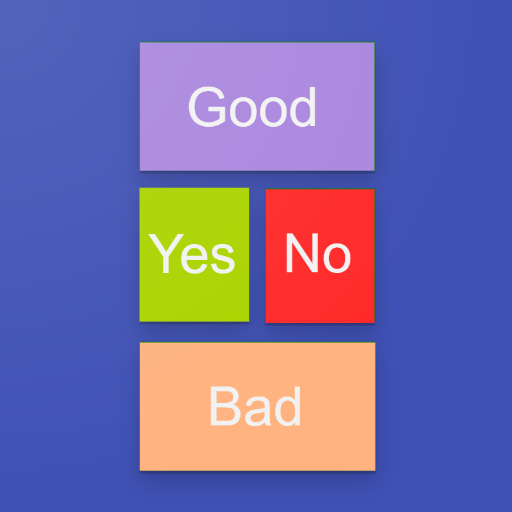
 Talking Buttons
Buttons that speak for you
Talking Buttons helps people who have difficulty with speech. It is a solution in the field of augmentative and alternative communication (AAC) that turns an Android phone or tablet, a Chromebook, or the Chrome browser on a computer into an easy-to-use communication board. It is available as an Android app or as a Chrome browser extension.
Who it's for
- People who have difficulty speaking due to stroke, aphasia, autism, or other causes
- Their caregivers and family members
- Medical professionals, including specialists (neuropsychologist, speech therapist)
- Hospitals and clinics for communicating with patients
Key features
- Customizable — button count and size, text, color, and font size
- Picture buttons — each button can have its own image
- Text-to-speech — choose a voice from those installed on the device or browser
- Voice recording — short recorded phrases on buttons when text-to-speech isn't enough
- Predefined boards — ready-made layouts provided as examples and a starting point you can adapt to your needs
- OBF/OBZ — transfer boards between devices and back them up; compatible with other AAC apps that support the open format
Android app and Chrome extension
Android
Portable, works offline on phones and tablets. Full-screen mode prevents accidental exits. Great for children and patients with limited mobility.
Chrome
Runs in Chrome browser or on Chromebook. Great on a home computer or laptop, as well as on a shared computer in a classroom or clinic. Ideal for setting up button images.
Same AAC boards everywhere: export and import using the portable Open Board Format (OBF/OBZ). Build and customize a board on a computer, use it on a tablet — or the other way around.
Privacy
Your communication boards and recordings stay on your device or in your browser — not on our servers. Read the privacy summary.